Elements
The SystemElements class has several methods that help you model a structure. These methods are;
add_truss_element
add_element
add_multiple_elements
discretize
A structure is defined by elements, which have their own state.
The elements are stored in SystemElement.element_map. This is a dictionary with keys representing the element ids, and values being the element objects. The element objects are implicitly created by the SystemElements object.
The state of an element can be interesting when post-processing results. For now we’ll focus on the modelling part. Below you see the different methods for modelling a structure.
Standard elements
Standard elements have bending and axial stiffness and therefore will implement shear force, bending moment, axial force, extension, and deflection. Standard elements can be added with the following methods.
Add a single element
- SystemElements.add_element(location, EA=None, EI=None, g=0, mp=None, spring=None, **kwargs)[source]
- Return type:
Add a new general element (an element with axial and lateral force) to the structure Example:
location=[[x, y], [x, y]]
location=[Vertex, Vertex]
location=[x, y]
location=Vertex

mp={1: 210e3, 2: 180e3}

spring={1: k, 2: k}

# Set a hinged node:
spring={1: 0}
- Args:
- location (Union[Sequence[VertexLike], VertexLike]):
The two nodes of the element or the next node of the element
EA (Optional[float], optional): Axial stiffness of the new element. Defaults to None. EI (Optional[float], optional): Bending stiffness of the new element. Defaults to None. g (float, optional): Self-weight of the new element. Defaults to 0. mp (Optional[MpType], optional): Maximum plastic moment of each end node. Keys are integers representing
the nodes. Values are the bending moment capacity. Defaults to None.
- spring (Optional[Spring], optional): Rotational spring or hinge (k=0) of each end node.
Keys are integers representing the nodes. Values are the bending moment capacity. Defaults to None.
- Optional Keyword Args:
element_type (ElementType): “general” (axial and lateral force) or “truss” (axial force only) steelsection (str): Steel section name like IPE 300 orient (OrientAxis): Steel section axis for moment of inertia - ‘y’ and ‘z’ possible b (float): Width of generic rectangle section h (float): Height of generic rectangle section d (float): Diameter of generic circle section sw (bool): If true self weight of section is considered as dead load E (float): Modulus of elasticity for section material gamma (float): Weight of section material per volume unit. [kN/m3] / [N/m3]s
- Returns:
int: ID of the new element
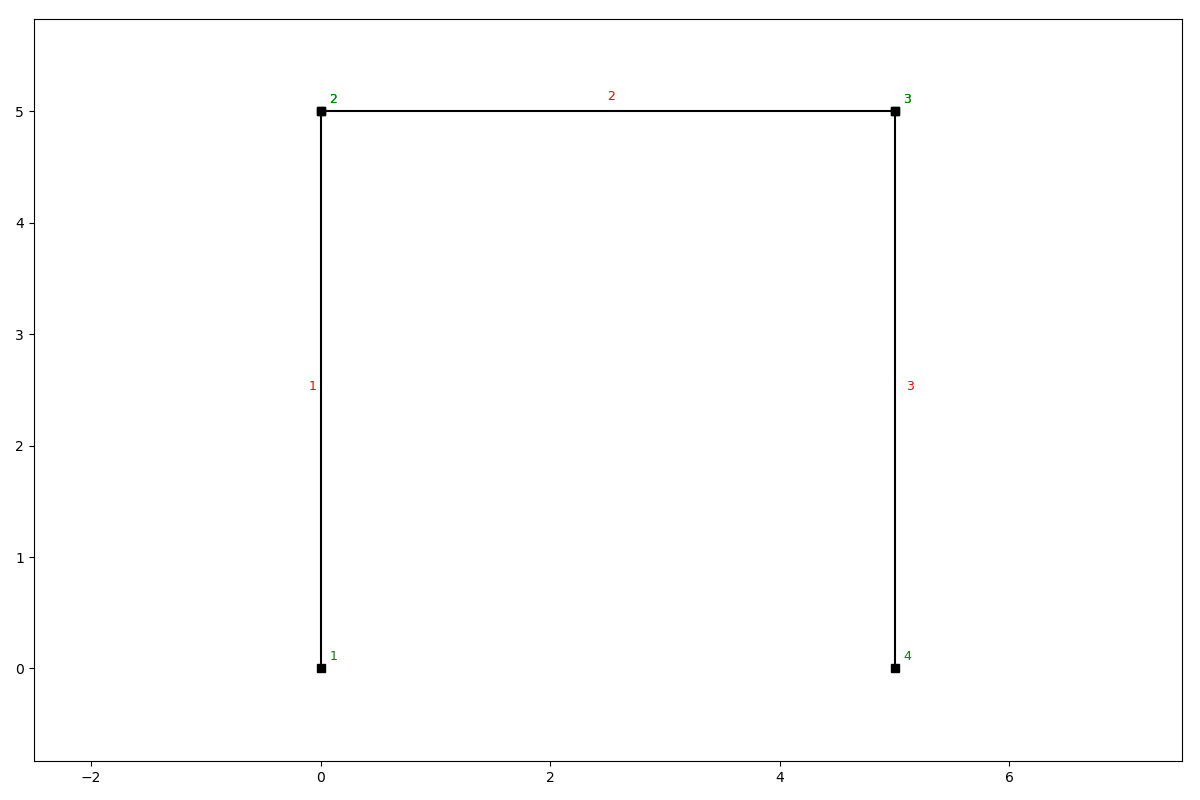
Example
ss = SystemElements(EA=15000, EI=5000)
ss.add_element(location=[[0, 0], [0, 5]])
ss.add_element(location=[[0, 5], [5, 5]])
ss.add_element(location=[[5, 5], [5, 0]])
ss.show_structure()
Add multiple elements
- SystemElements.add_multiple_elements(location, n=None, dl=None, EA=None, EI=None, g=0, mp=None, spring=None, **kwargs)[source]
Add multiple elements defined by the first and the last point.
last={'EA': 1e3, 'mp': 290}
- Args:
- location (Union[Sequence[VertexLike], VertexLike]):
The two nodes of the element or the next node of the element.
n (Optional[int], optional): Number of elements to add between the first and last nodes. Defaults to None. dl (Optional[float], optional): Length of sub-elements to add between the first and last nodes.
Length will be rounded down if necessary such that all sub-elements will have the same length. Defaults to None.
EA (Optional[float], optional): Axial stiffness. Defaults to None. EI (Optional[float], optional): Bending stiffness. Defaults to None. g (float, optional): Self-weight. Defaults to 0. mp (Optional[MpType], optional): Maximum plastic moment capacity at ends of element. Defaults to None. spring (Optional[Spring], optional): Rotational springs or hinges (k=0) at ends of element.
Defaults to None.
- Optional Keyword Args:
element_type (ElementType): “general” (axial and lateral force) or “truss” (axial force only) first (dict): Different arguments for the first element last (dict): Different arguments for the last element steelsection (str): Steel section name like IPE 300 orient (OrientAxis): Steel section axis for moment of inertia - ‘y’ and ‘z’ possible b (float): Width of generic rectangle section h (float): Height of generic rectangle section d (float): Diameter of generic circle section sw (bool): If true self weight of section is considered as dead load E (float): Modulus of elasticity for section material gamma (float): Weight of section material per volume unit. [kN/m3] / [N/m3]s
- Raises:
FEMException: One, and only one, of n and dl should be passed as argument.
- Returns:
List[int]: IDs of the new elements
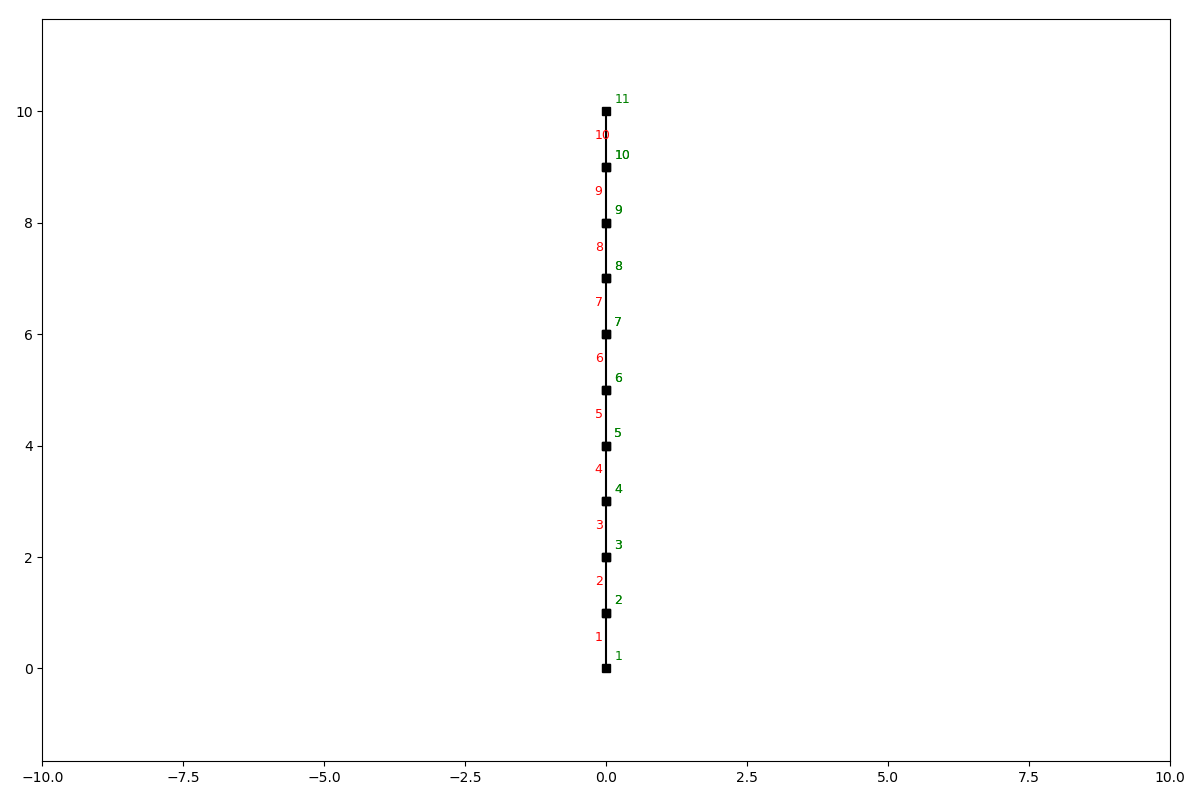
Example add_multiple_elements
ss = SystemElements(EI=5e3, EA=1e5)
ss.add_multiple_elements([[0, 0], [0, 10]], 10)
ss.show_structure()
- SystemElements.add_element_grid(x, y, EA=None, EI=None, g=None, mp=None, spring=None, **kwargs)[source]
Add multiple elements based upon sequential x and y coordinates.
- Return type:
- Args:
x (Union[List[float], np.ndarray]): X coordinates of the grid y (Union[List[float], np.ndarray]): Y coordinates of the grid EA (Optional[Union[List[float], np.ndarray, float]], optional): Axial stiffnesses. Defaults to None. EI (Optional[Union[List[float], np.ndarray, float]], optional): Bending stiffnesses. Defaults to None. g (Optional[Union[List[float], np.ndarray, float]], optional): Self-weights. Defaults to None. mp (Optional[MpType], optional): Maximum plastic moment capacities for all elements. Defaults to None. spring (Optional[Spring], optional): Springs for all elements. Defaults to None.
- Raises:
FEMException: x and y should have the same length.
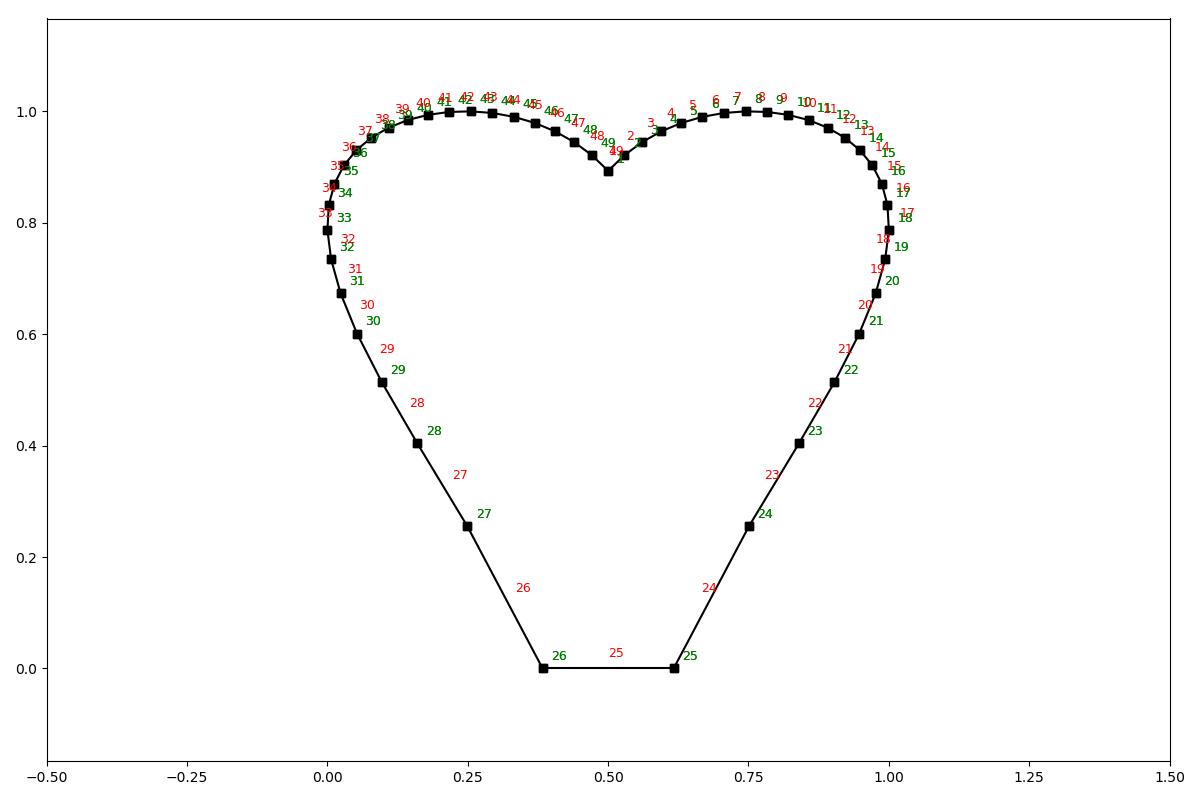
Example add_element_grid
from anastruct import SystemElements
import numpy as np

# <3
t = np.linspace(-1, 1)
x = np.sin(t) * np.cos(t) * np.log(np.abs(t))
y = np.abs(t)**0.3 * np.cos(t)**0.5 + 1
# Scaling to positive interval
x = (x - x.min()) / (x - x.min()).max()
y = (y - y.min()) / (y - y.min()).max()

ss = SystemElements()
ss.add_element_grid(x, y)
ss.show_structure()
Truss elements
Truss elements don’t have bending stiffness and will therefore not implement shear force, bending moment and deflection. It does model axial force and extension.
add_truss_element
- SystemElements.add_truss_element(location, EA=None, **kwargs)[source]
- Return type:
Add a new truss element (an element that only has axial force) to the structure Example:
location=[[x, y], [x, y]]
location=[Vertex, Vertex]
location=[x, y]
location=Vertex
- Args:
- location (Union[Sequence[VertexLike], VertexLike]):
The two nodes of the element or the next node of the element.
EA (Optional[float], optional): Axial stiffness of the new element. Defaults to None.
- Returns:
int: ID of the new element
Discretization
You can discretize an element in multiple smaller elements with the discretize method.
- SystemElements.discretize(n=10)[source]
Discretize the elements. Takes an already defined
SystemElementsobject and increases the number of elements.- Return type:
- Args:
n (int, optional): Divide the elements into n sub-elements.. Defaults to 10.
Insert node
Most of the nodes are defined when creating an element by passing the vertices (x, y coordinates) as the location parameter. It is also to add a node to elements that already exist via the insert_node method.
- SystemElements.insert_node(element_id, location=None, factor=None)[source]
Insert a node into an existing structure. This can be done by adding a new Vertex at any given location, or by setting a factor of the elements length. E.g. if you want a node at 40% of the elements length, you pass factor = 0.4.
- Args:
element_id (int): Id number of the element in which you want to insert the node location (Optional[VertexLike], optional): Location in which to insert the node.
Defaults to None.
- factor (Optional[float], optional): Fraction of distance from start to end of elmeent on which to
divide the element. Must be between 0 and 1. Defaults to None.
- Returns:
- dict[str, int]: Dictionary with keys:
‘new_node_id’: ID of the newly created node ‘new_element_id1’: ID of the first new element created ‘new_element_id2’: ID of the second new element created ‘old_element_id’: ID of the old element that was split